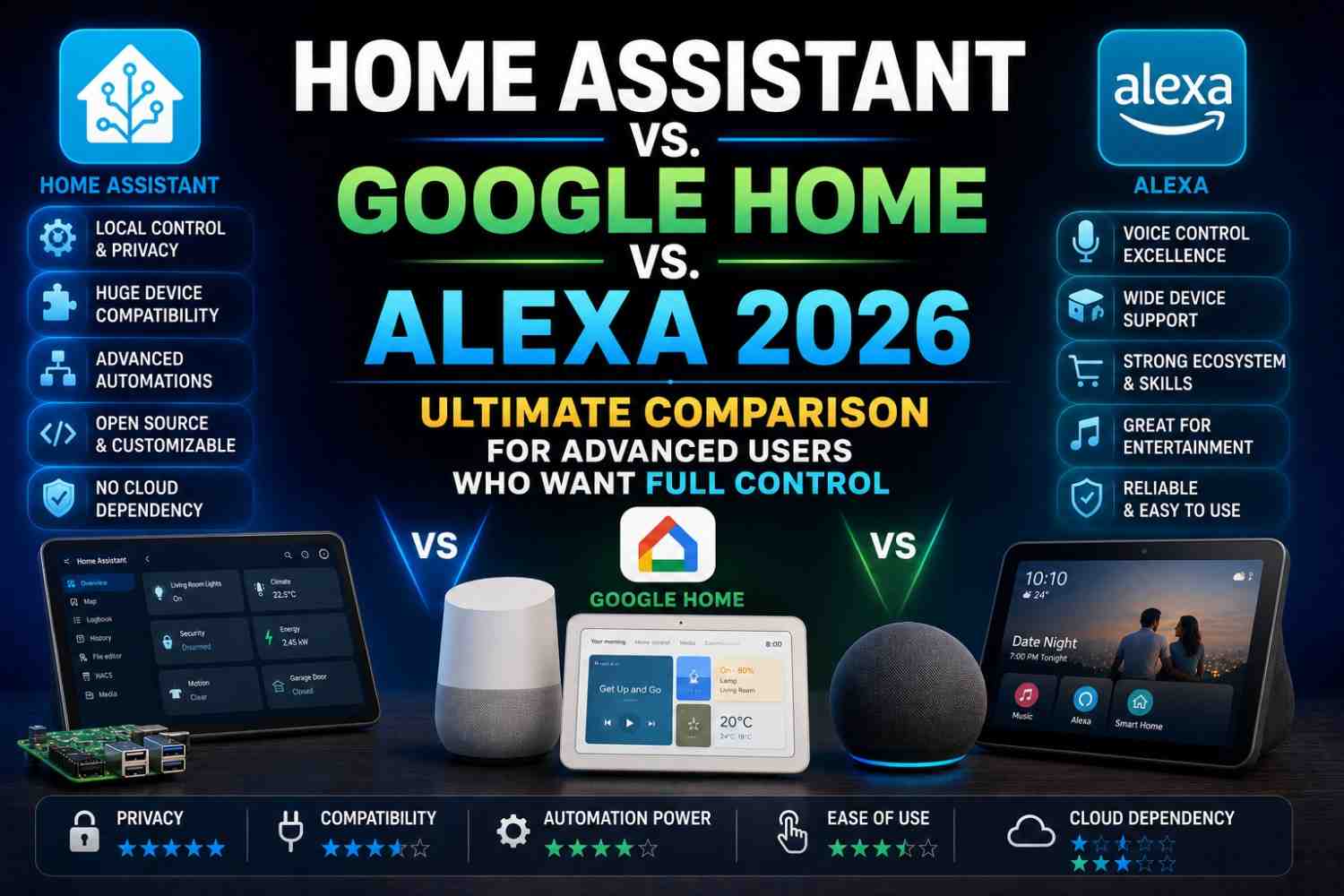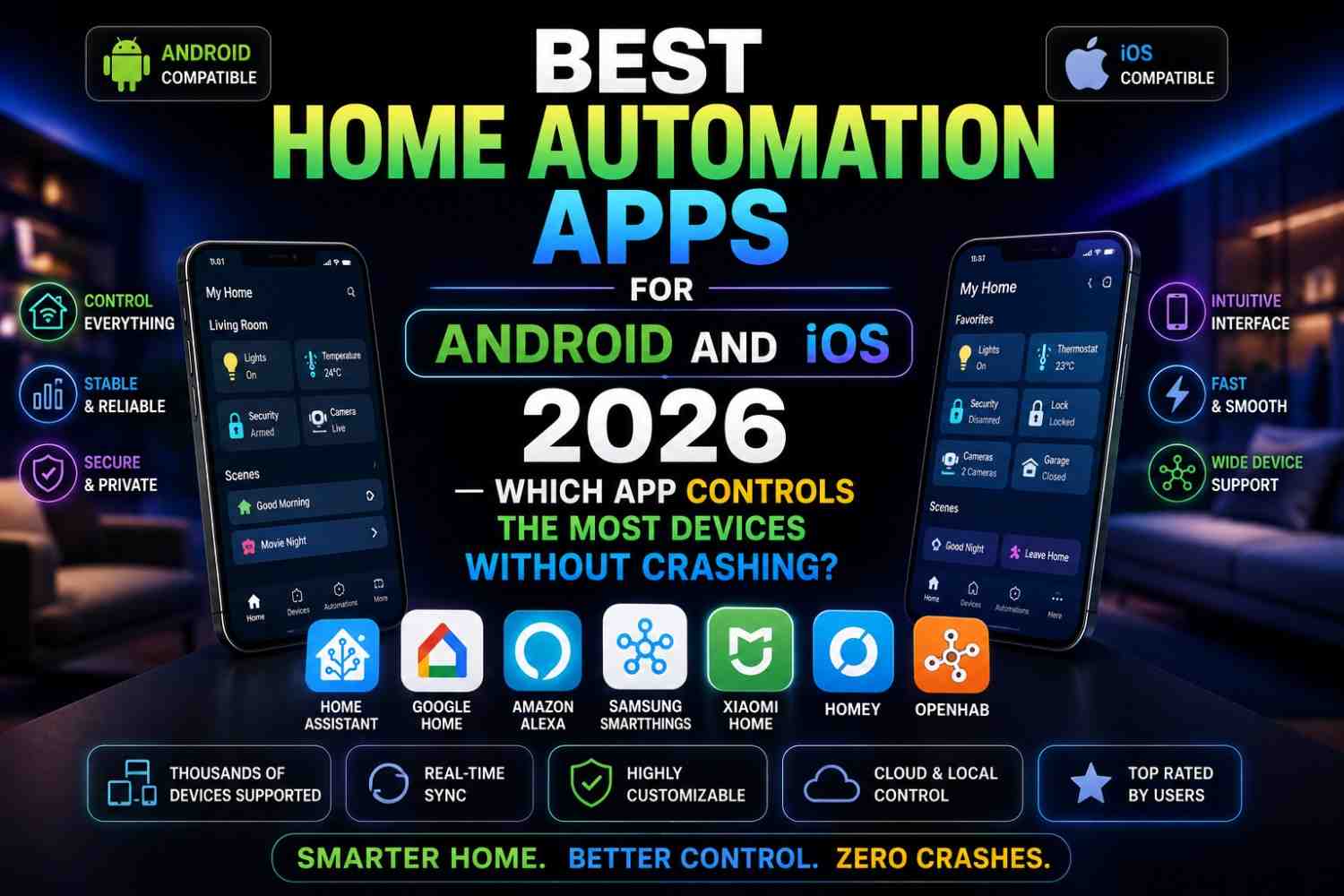
Your smart home is only as smart as the routines running behind the scenes. Google Home automation routines in 2026 have reached a level of sophistication that most people haven’t even explored yet. Far beyond “Hey Google, turn off the lights,” the newest routines in 2026 use AI, sensor data, location tracking, calendar integration, and even sunrise/sunset timing to automate your home in ways that genuinely feel like the house is thinking for itself.
Google Home automation routines in 2026 are free, built into the Google Home app, and compatible with thousands of devices from hundreds of brands. Whether you’re just getting started or you’ve been using Google Home for years, this guide will introduce you to 20 routines you should absolutely set up right now.
By the end, you’ll have a complete picture of what Google Home automation routines in 2026 can do—and a practical list to implement immediately.
What Are Google Home Routines?
Before diving into specific Google Home automation routines for 2026, let’s understand what routines actually are.
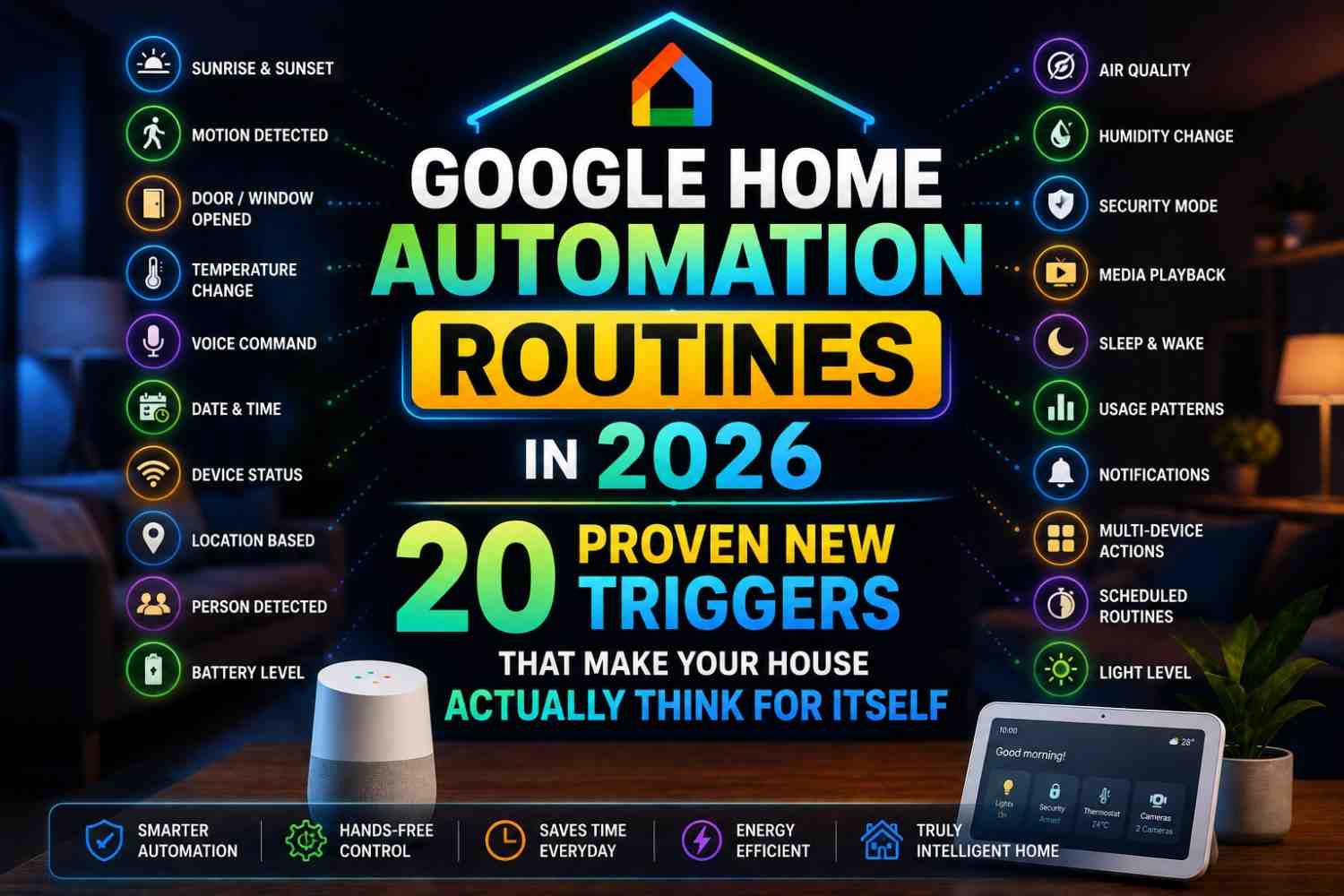
A Google Home Routine is an automation that triggers a set of actions based on a specific condition. That condition (the trigger) can be
- A voice command (“Hey Google, good morning”)
- A specific time of day or day of the week
- A sunrise or sunset event
- Your location (home, leaving, arriving)
- A smart home sensor event (door opens, motion detected, humidity level, etc.)
- A calendar event
- Another device’s state changing
When the trigger fires, Google Home executes a sequence of actions: turning on lights, adjusting the thermostat, playing music, reading your calendar, locking doors, and more.
In 2026, Google Home automation routines will have been supercharged by Google’s Gemini AI integration, which allows more natural, contextual, and predictive automation than ever before.
What’s New in Google Home Routines 2026?
Several powerful upgrades make Google Home automation routines in 2026 far more capable than previous years:
- Gemini AI Triggers — Routines can now use AI-inferred context (e.g., “if the house has been quiet for 2 hours during daytime, assume no one is home”)
- Multi-condition AND/OR Logic — Combine conditions: trigger only if it’s Monday AND after 7 AM AND a specific person is home
- Device State Triggers—Routines can now start when a device reaches a specific state (washing machine cycle ends, AC has been running for 3 hours, etc.)
- Gemini Suggestions — Google Home now proactively suggests new Google Home automation routines 2026 based on your usage patterns
- Household Member-Specific Routines — Different routines for different family members based on whose phone is detected at home
https://support.google.com/googlenest/answer/7029585 — Google Official: Create & Manage Routines
20 Best Google Home Automation Routines 2026
Morning Routines
1. The Perfect Wake-Up Routine One of the most popular Google Home automation routines, 2026, triggers at your alarm time and simultaneously:
- Gradually brightens smart lights from 10% to 80% over 20 minutes (simulates sunrise)
- Sets the thermostat or AC to comfortable morning temperature
- Starts your smart coffee maker
- Reads your day’s calendar events and weather forecast aloud
Trigger: Specific time (e.g., 6:30 AM, weekdays only)
2. School Day Routine for Kids For families, this is one of the most practical Google Home automation routines in 2026:
- Triggers at 7:00 AM on school days
- Announces “School bus in 30 minutes” on all bedroom speakers
- Turns on bathroom lights
- Reads today’s homework reminders from Google Calendar
- Unlocks the front door at 7:45 AM
Trigger: Time + Day of Week filter
3. Geyser / Water Heater Preheating Especially valuable in India and cold-climate homes is this routine:
- Turns on the smart geyser plug 25 minutes before your alarm
- Sends a phone notification when water is hot
- Auto-cuts power after 45 minutes
Trigger: Google Calendar alarm sync
Leaving Home Routines
4. The “I’m Leaving” Routine: One of the most energy-saving Google Home automation routines in 2026:
- Detects when the last household member’s phone leaves the home Wi-Fi network
- Turns off ALL lights
- Turns off fans and AC
- Locks the smart door lock
- Arms the security cameras
- Sends a confirmation message to your phone: “Home secured. All lights off.”
Trigger: Location-based (last person leaves geofence)
5. Forgotten Appliance Check A brilliant safety-focused routine among Google Home automation routines in 2026:
- 10 minutes after you leave home, checks if any monitored appliances are still on
- If your iron’s smart plug is still drawing power, send an alert: “Your iron may still be on!”
- Option to turn it off remotely from the notification
Trigger: Location departure + appliance state check
6. Pet Home Alone Routine For pet owners, this thoughtful addition to Google Home automation routines in 2026 activates when you leave:
- Turns on a gentle background music playlist
- Sets lights to a comfortable low level
- Activates the pet camera
- Optionally activates a smart pet feeder at a scheduled time
Trigger: Location departure
Arriving Home Routines
7. Welcome Home Routine The classic arrival routine among Google Home automation routines 2026:
- Detects your phone approaching home (geofence entry, ~500 meters away)
- Unlocks the front door automatically
- Turns on entrance and living room lights
- Sets AC to your preferred temperature
- Starts your favourite playlist on arrival
Trigger: Location arrival (geofence)
8. Person-Specific Welcome Routines A 2026 feature of Google Home automation routines allows different actions for different household members:
- When Partner A arrives: soft warm lights, jazz music, 24°C AC
- When Partner B arrives: bright cool lights, news briefing, 22°C AC
- When children arrive from school: snack reminder announcement, homework reminder
Trigger: Specific household member’s location
Evening Routines
9. Dinner Time Routine A time-based staple of Google Home automation routines in 2026:
- At 7:30 PM, switches kitchen lights to bright white
- Dims living room to 60%
- Starts a dinner playlist at low volume
- Announces the dinner menu if you’ve added it to your calendar
- Turns on the exhaust fan in the kitchen
Trigger: Time
10. Sunset Routine One of the most beautiful natural-trigger Google Home automation routines in 2026:
- Triggered automatically at local sunset time (adjusts daily based on your location)
- Gradually turns on indoor lights
- Closes smart curtains
- Turns on outdoor security lights
- Adjusts smart bulbs to warm amber tones
Trigger: Sunset (auto-adjusts daily)
Bedtime Routines
11. Wind-Down Routine Designed for better sleep, this is one of the most health-conscious Google Home automation routines of 2026:
- Triggers 1 hour before set bedtime
- Begins dimming all lights gradually
- Switches smart bulbs to warm red-orange tones (reduces blue light)
- Lowers TV volume by 20%
- Sets a sleep timer on all entertainment devices
Trigger: Time (1 hour before bedtime)
https://store.google.com/us/category/google-home — Google Home Official Product Store
12. Goodnight Routine The most-used voice-triggered entry in Google Home automation routines in 2026:
- Triggered by voice: “Hey Google, goodnight.”
- Turns off all lights except a night light
- Locks all smart door locks
- Arms security system
- Sets fans and AC to sleep-mode temperature
- Sets a do-not-disturb on smart speakers (except emergency alerts)
Trigger: Voice command
13. Baby Sleep Routine New parents will love this addition to Google Home automation routines in 2026:
- Turns on white noise machine (via smart plug)
- Dims nursery light to 5%
- Sets AC/fan to optimal baby sleep temperature (24–26°C)
- Activates baby monitor camera recording
- Turns off all other home speakers to prevent loud noises
Trigger: Voice command or time
[IMAGE 1 — Place after bedtime routines]
Suggested Image: A screenshot-style illustration of the Google Home app showing a routine setup screen with multiple triggers and actions configured in the 2026 UI style. ALT Text: “Google Home automation routines 2026 — Google Home app interface showing routine setup with multiple triggers and actions”
Safety & Security Routines
14. Motion Alert Routine Security-focused Google Home automation routines in 2026 that trigger when cameras detect motion at night:
- Flashes outdoor lights twice
- Sends a phone notification with camera snapshot
- Plays a recorded “You are being recorded” message through an outdoor speaker
- Logs the event with timestamp
Trigger: Motion sensor / camera motion detection, between 10 PM and 6 AM
https://assistant.google.com/platforms/speakers — Google Assistant Smart Speakers
15. Smoke Alarm Routine A life-safety addition to Google Home automation routines in 2026 for connected smoke detectors:
- When smoke alarm triggers, announce it on ALL speakers at maximum volume
- Unlocks all smart door locks for safe exit
- Sends emergency alert to all household members’ phones
- Turns on all lights to full brightness
Trigger: Smoke detector alarm state
16. Gas Leak Routine For LPG gas detector owners—a critical safety routine in Google Home automation routines 2026:
- Gas detector alarm triggers the routine
- Announces “Gas leak detected; leave immediately” on all speakers
- Cuts power to smart plugs near the kitchen
- Unlocks all doors
- Calls a pre-set emergency contact
Trigger: LPG/gas sensor alarm
Energy-Saving Routines
17. Peak Power Hour Routine A smart energy-management addition to Google Home automation routines in 2026:
- Triggers during peak electricity hours (typically 6–10 PM in India)
- Reduces AC temperature by 2°C from current setting
- Dims non-essential lights to 50%
- Sends reminder to not use high-consumption appliances
Trigger: Time-based (peak hours)
18. Idle Device Shutdown An energy-saving automation in Google Home automation routines 2026:
- If no motion has been detected in a room for 30 minutes during daytime
- Turns off lights and fan in that room automatically
- Sends a notification: “Living room lights auto-off (no motion for 30 min).”
Trigger: Motion sensor inactivity
https://www.theverge.com/google-home — The Verge: Google Home Coverage
Special Occasion Routines
19. Party Mode Routine The most fun of all Google Home automation routines in 2026:
- Triggered by voice: “Hey Google, party time.”
- Cycles smart bulbs through colors and patterns
- Connects to a party playlist on YouTube Music or Spotify
- Dims overhead lights to 30%
- Activates LED strip lights behind TV and under furniture
Trigger: Voice command
20. Movie Night Routine A crowd-pleasing favorite in Google Home automation routines 2026:
- “Hey Google, movie time” triggers the routine
- Dims all living room lights to 15%
- Turns off all other home speakers
- Enables Do Not Disturb on door sensors
- Adjusts AC to cinema comfort (22°C)
- Sets TV input to streaming device
Trigger: Voice command
[IMAGE 2 — Place after routine list]
Suggested Image: An illustrated smart home floor plan with color-coded zones showing which Google Home routines apply to which rooms—morning, security, energy, entertainment, and bedtime. ALT Text: “Google Home automation routines 2026—illustrated floor plan showing different automation zones for morning, security, entertainment, and bedtime routines”
How to Create a Routine in Google Home (2026)
Setting up Google Home automation routines in 2026 takes less than 2 minutes:
- Open the Google Home app on Android or iOS
- Tap Automations (bottom navigation bar)
- Tap the “+” button to create a new routine
- Choose your Starter (trigger): Time, Voice, Sunrise/Sunset, Location, or Device State
- Add Actions: Device controls, Announcements, Media playback, Notifications
- Tap Save
That’s it — your routine is live.
Comparison: Google Home Routines vs Alexa Routines vs Apple Shortcuts
| Feature | Google Home 2026 | Amazon Alexa 2026 | Apple Home / Shortcuts |
|---|---|---|---|
| AI-Assisted Suggestions | Yes (Gemini) | Yes (Alexa+) | Limited |
| Multi-condition Logic | Yes | Limited | Yes (Shortcuts) |
| Location Triggers | Yes | Yes | Yes |
| Device State Triggers | Yes (expanded) | Yes | Yes |
| Calendar Integration | Yes (Google Calendar) | Limited | Yes (Apple Calendar) |
| Hindi/Regional Language | Yes | Partial | No |
| Free Tier Availability | Yes (full) | Yes (full) | Yes |
FAQs: Google Home Automation Routines 2026
Q1: How many Google Home automation routines in 2026 can I create? A: Google Home allows unlimited routines per home. You can have separate routines for different household members, different times of day, and different rooms with no hard limit.
Q2: Do Google Home automation routines in 2026 work without internet? A: Some routines with local Wi-Fi control can execute without internet. However, most routines — especially those using Google Calendar sync, location triggers, or cloud-dependent devices — require an active internet connection.
Q3: Can Google Home automation routines in 2026 trigger based on sensor readings? A: Yes. In 2026, Google Home supports triggers based on temperature, humidity, motion, contact sensors, smoke alarms, and device states—depending on your connected sensor devices.
Q4: Do I need a Google Nest Hub for Google Home automation routines in 2026? A: No. You can create and run all routines using just the free Google Home app on any Android or iOS smartphone. A Nest Hub or Nest Mini speaker adds voice control capability but isn’t required.
Q5: Can different family members have different Google Home automation routines in 2026? A: Yes. Google Home supports household member profiles. You can create member-specific routines — for example, a child’s school morning routine and a parent’s work morning routine — that respond differently based on whose phone is detected at home.
Conclusion
The 20 Google Home automation routines for 2026 in this guide represent just a fraction of what’s possible. From waking up to a perfectly lit, perfectly tempered bedroom to having your home secure itself automatically when the last person leaves, Google Home automation routines 2026 can genuinely transform how your house functions every single day.
The real power of Google Home automation routines in 2026 lies in combining triggers and actions creatively. Start with two or three routines from this list, observe how they improve your daily life, and gradually build a full automation ecosystem that saves time, saves energy, and makes your home feel genuinely intelligent.
Pick your first routine from this list and set it up today — your smart home journey starts with a single automation!